Enabling Magic Link
To use Magic Link with your company email, email support@kosli.com and we’ll enable it for your email domain.Using Magic Link
1
Enter your email address
Once Magic Link is enabled for your domain, enter your email address on the Kosli sign-in page and select Continue with SSO — the same button is used for Magic Link sign-in.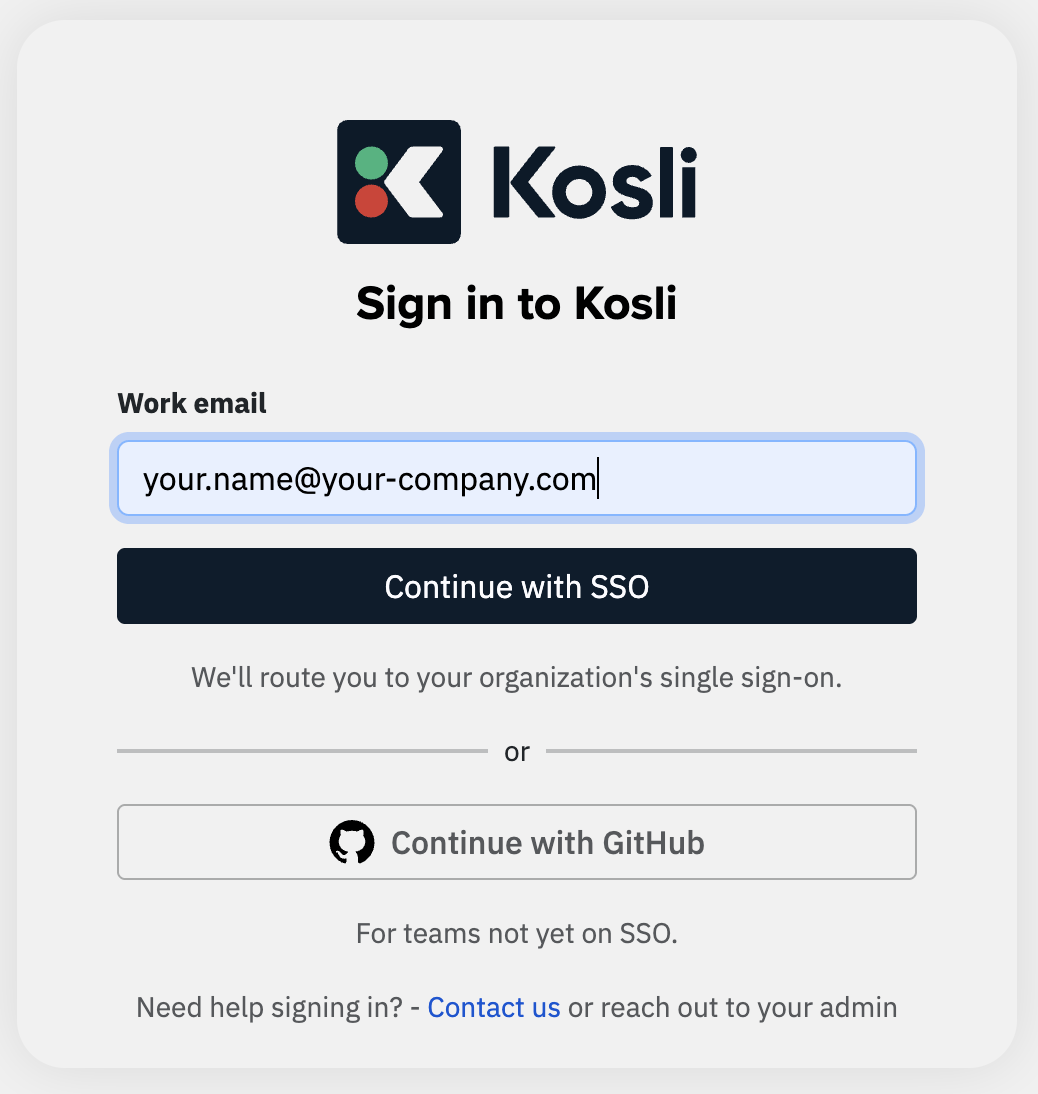
2
Check your inbox
Kosli then sends you an email containing the link and asks you to check your inbox.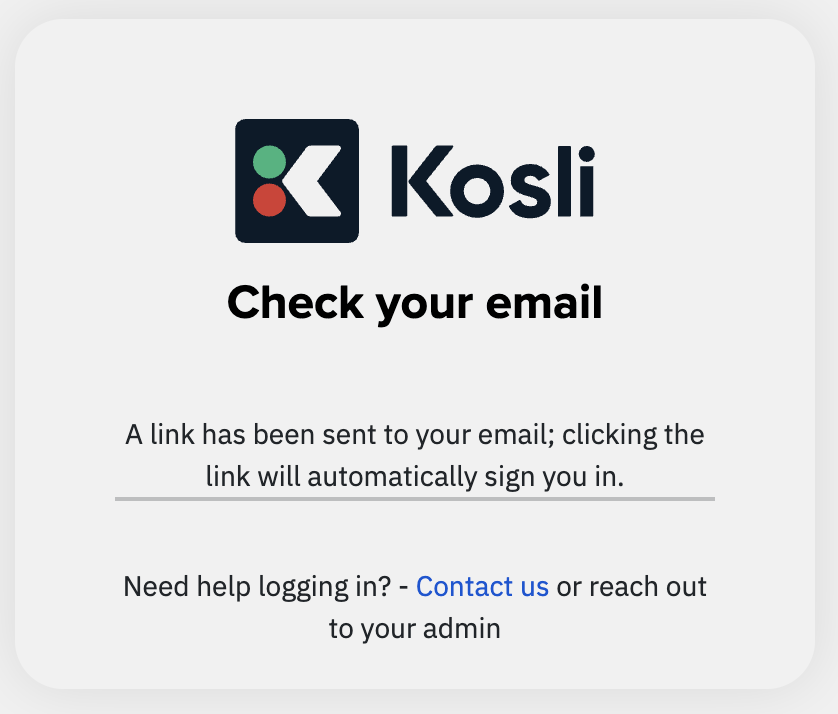
3
Click to sign in
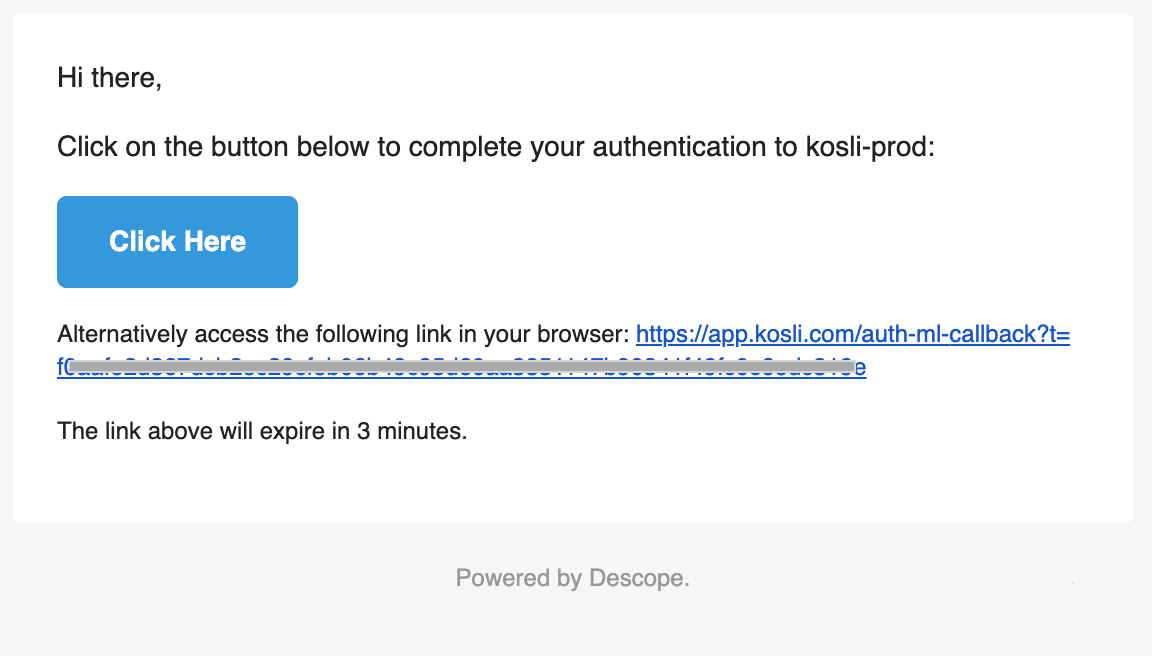
The email contains a button to click; clicking this will sign you in to your Kosli account.